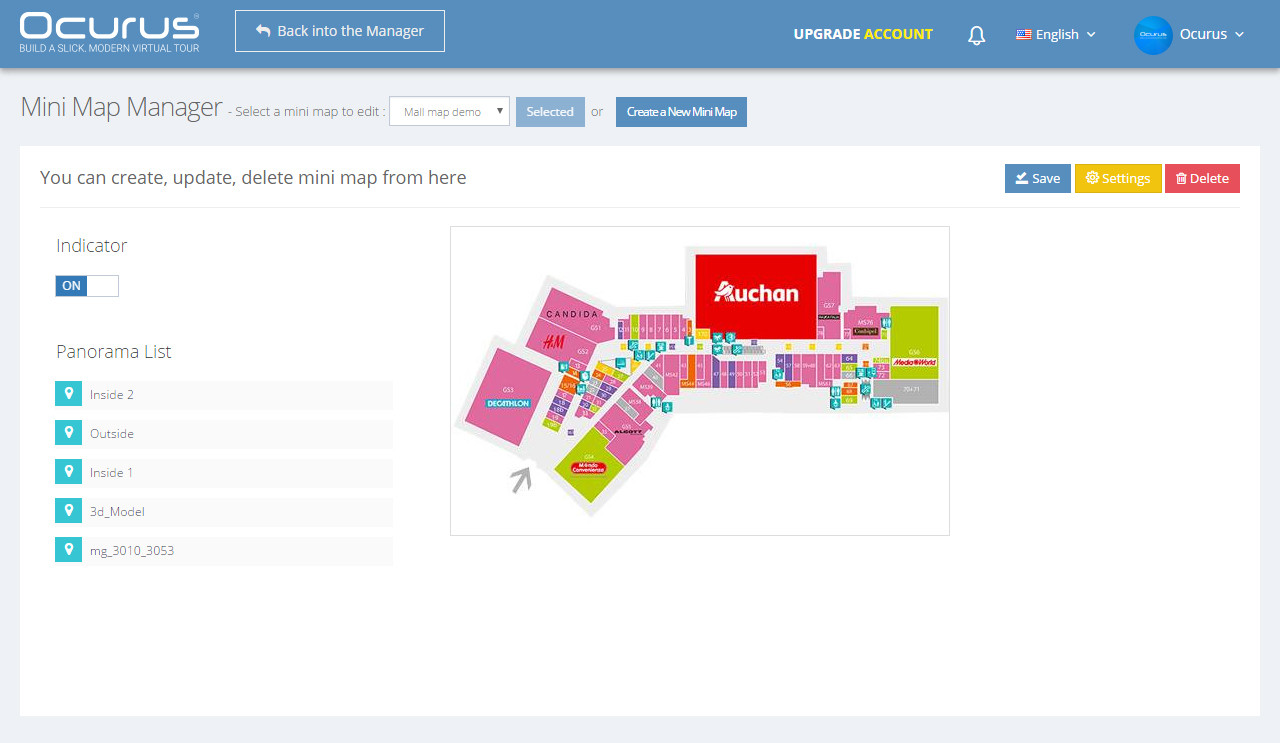
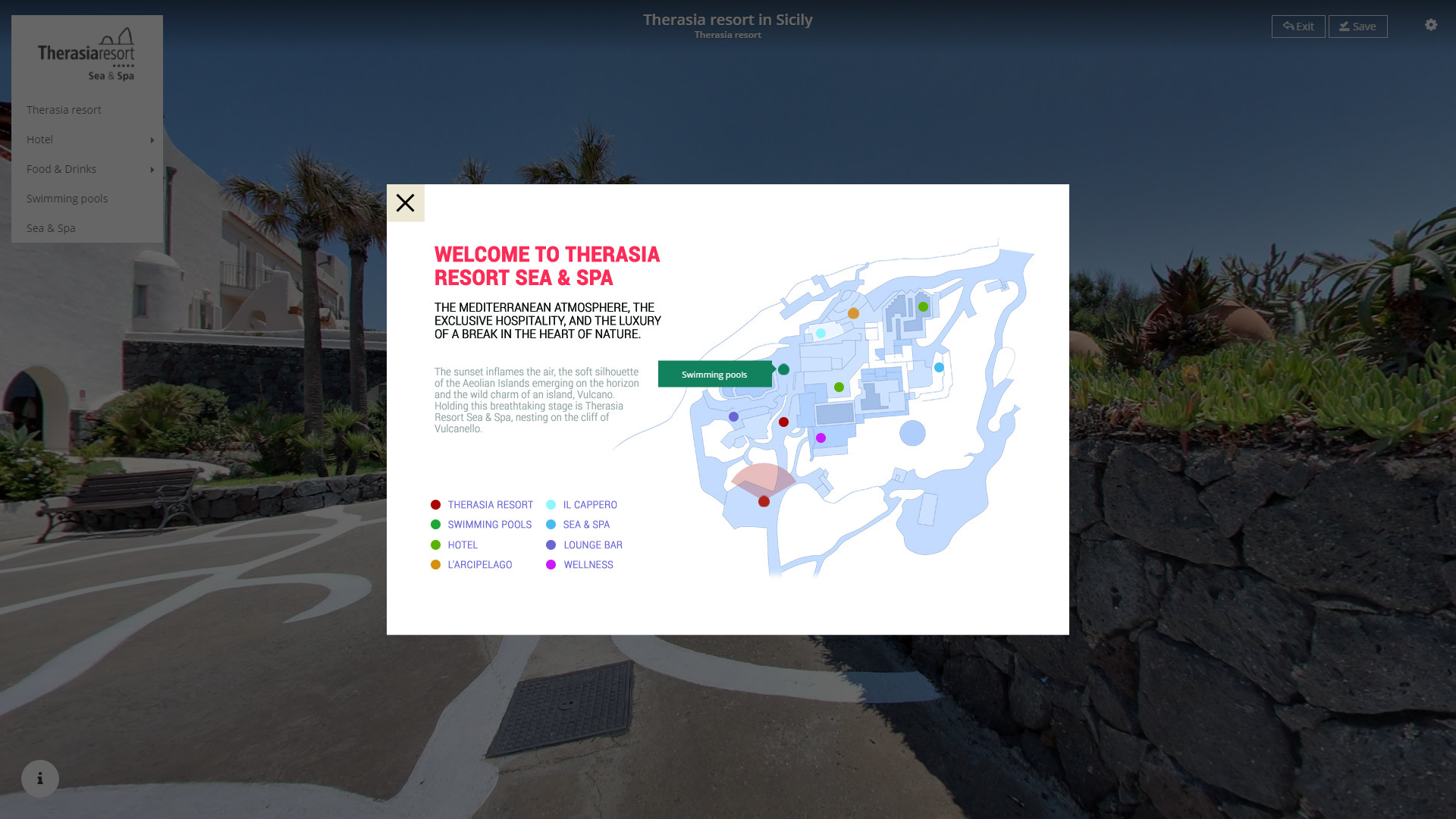
The mini-map provides spots where users can easily see where they are in the property. Clicking these spots opens the corresponding virtual tour. Mini-maps can also be minimized to free up valuable viewing space on smaller computers screens.
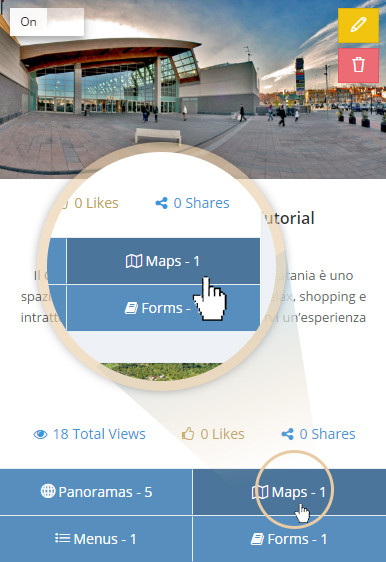
Click on the "Maps" button from the virtual tour lists to open "Mini Map Manager" section.
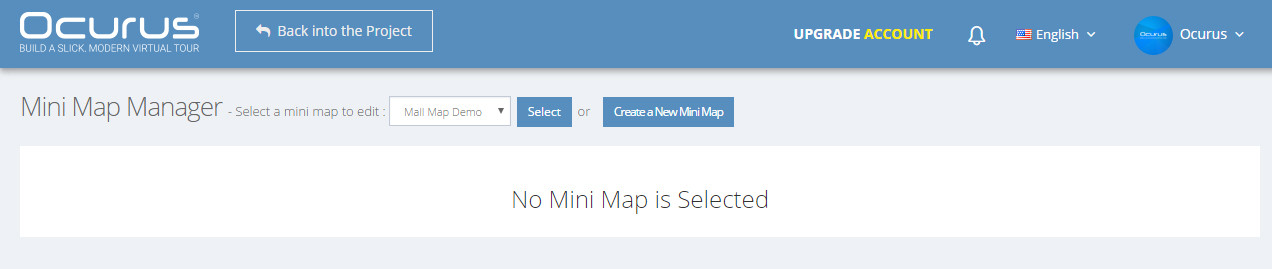
From this section, you can create a new mini map or edit an already created mini maps. Click on the "Create a New Mini Map" button open "Create Mini Map" window. In this window, you can insert your Map Name, Map image and also you can select the Panoramas that will contain this mini map.
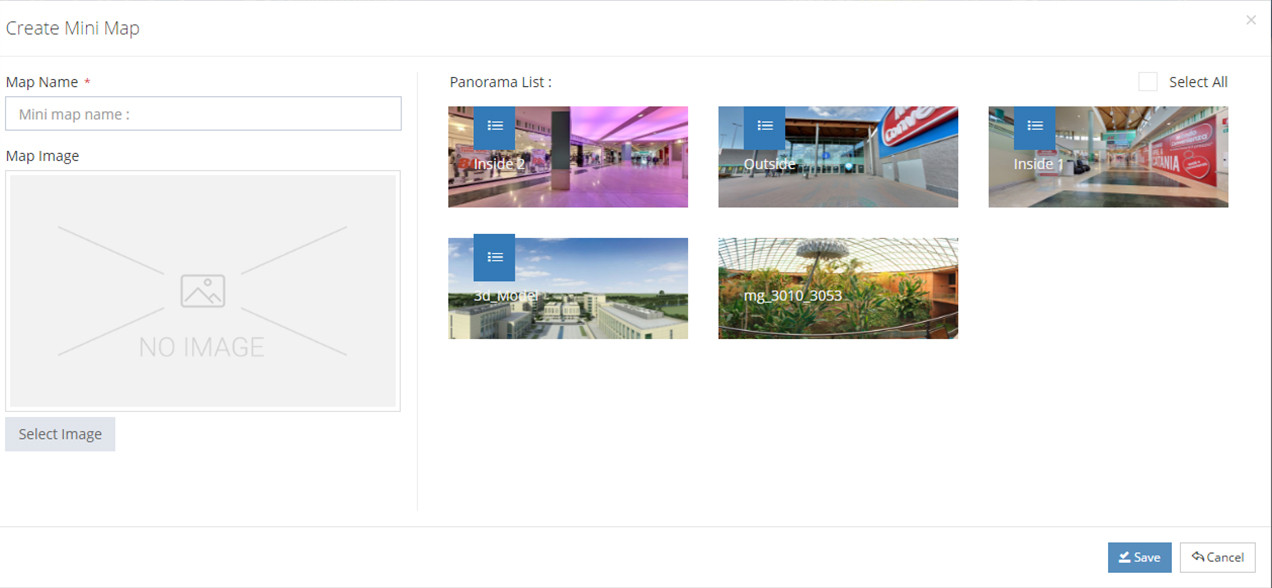
After you click "Save" button, "Mini Map Manager" section will be pops out. From this section, you can add panoramas into your mini map. You can learn further information from the video tutorail.